





In this blogpost:
Smart Cold Plunge Features: What Actually Helps Day to Day
Explore smart cold plunge features like app control, scheduling, temperature monitoring, automation, alerts, and when they actually make daily use easier.
Smart features can sound impressive.
App control.
Scheduling.
Automation.
Remote temperature checks.
But the best smart cold plunge features are not about making the tub feel more technical. They are about reducing friction.
If a feature helps you use the plunge more consistently, it matters. If it only adds complexity, it may not be worth much.
The question is simple: does the feature make the routine easier?
App Control
App control lets you manage the cold plunge without standing beside it.
That can be useful if your tub is outdoors, in a garage, on a terrace, or in another room. You can check the temperature before walking over. You can adjust the setting before your session.
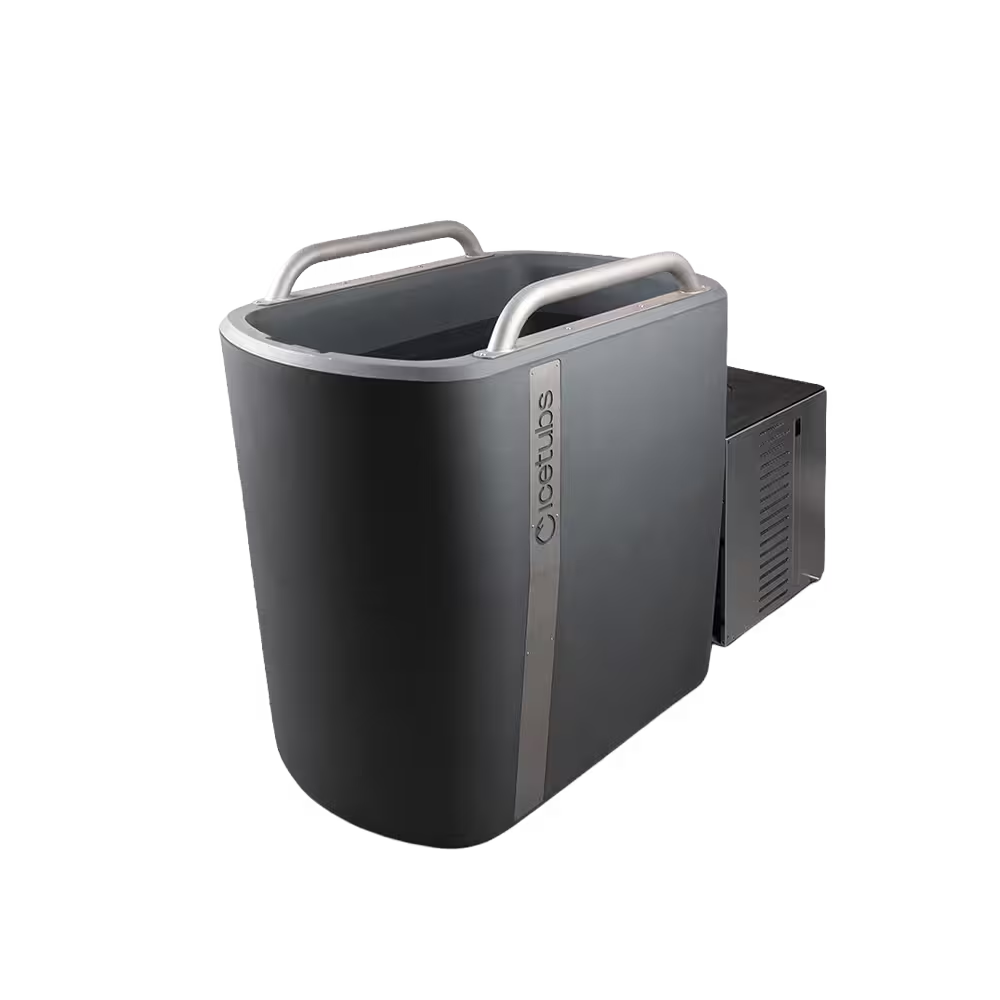
Icetubs gives you app control and display control, so you can manage the temperature from your phone or directly at the engine.
That flexibility matters because not every session starts the same way.
Display Control
A physical display still matters.
Sometimes you are already next to the tub. Sometimes your phone is not nearby. Sometimes you want a quick check before stepping in.
Display control makes the setup feel direct and simple.
The best system offers both: smart access when useful, and manual control when that is easier.
Temperature Monitoring
Temperature monitoring is one of the most practical features.
Cold plunging works better when you know what you are entering. A few degrees can change how intense the session feels, especially if you are new or using cold water for recovery.
Monitoring helps you avoid guesswork.
It also helps you build a more consistent routine. You can learn how your body responds to certain temperatures and adjust slowly over time.
Scheduling and Automation
Scheduling can be helpful if your routine is consistent.
For example, if you plunge every morning, automation may help the water be ready when you are. If you use the tub after training, scheduled cooling can reduce waiting time.
But automation should still be used with awareness.
You should check the water, inspect the setup, and make sure everything is safe before entering. Automation should support attention, not replace it.
Alerts and System Feedback
Some smart setups may include alerts, reminders, or system feedback.
These can help with maintenance, temperature changes, or system status. For regular use, this kind of information can prevent small issues from becoming bigger problems.
The value is not in receiving more notifications.
The value is in knowing what needs attention before it affects the session.
Smart Features Should Not Hide Bad Setup
Technology cannot fix poor placement, dirty water, weak filtration, or unsafe electrical layout.
A smart cold plunge still needs a stable surface, good drainage, clear access, proper ventilation, clean water, and responsible maintenance.
The smartest feature is not always digital.
Sometimes it is a setup that is easy to clean, safe to approach, and simple to use.
Choose Features You Will Actually Use
Smart features are worth it when they support your real behaviour.
If you like routines, scheduling may help. If your tub is outdoors, remote temperature checks may help. If you share the plunge, clear controls may help everyone use it properly.
But do not buy features only because they sound advanced.
Buy for the habit you want to keep.
To see how app control connects with chillers, pumps, sanitation, and electricity use, explore Cold Plunge Chillers: Complete Buyer’s & Setup Guide.